Every rig's dates on one calendar.
Pickups, returns and the turnovers between them, for every unit in your fleet. The daily board tells you what goes out today, what comes back and what still needs work.
Included in every package · 30 days free

Open it in the morning. Know your day.
A whiteboard and a spreadsheet can tell you who has a rig. They can't tell you which one is back at two, needs a black tank flush, and goes out again at five. RV Shop Desk can. Read running the booking calendar: buffers, minimum nights and holds.
Out today
Every pickup with the renter, the time and whether the agreement is signed.
Back today
Every return with the time, and a reminder to take return photos.
Turnovers
What needs cleaning and checking before the next pickup. See the turnover checklist.
Owed
Deposits and balances still open, paid by card from the same screen.
New leads
Calls, texts and website requests waiting for an answer, including every missed call texted back.
Rigs by class
Tap a class and see each unit, who has it and when it is back.
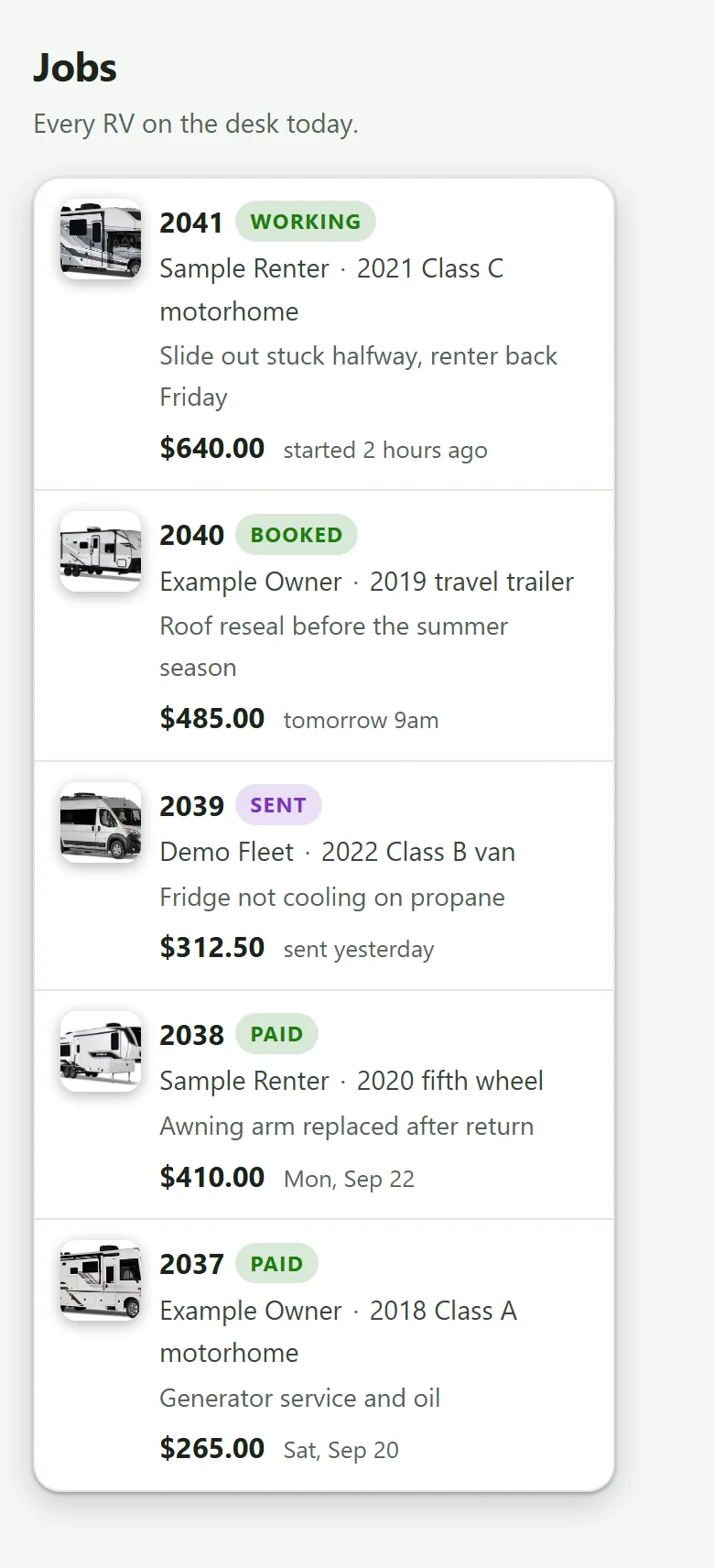
See which rigs earn their spot.
When every booking is on one calendar, you can count booked nights per unit across the season. That number tells you when to raise rates, and when it is time to buy the next rig. Read when to add another RV and how to price RV rentals.
Part of RV Shop Desk for rental fleets.
Guides on running the calendar

Running the Booking Calendar: Buffers, Minimum Nights and Holds
Set firm rules for turnover buffers, minimum nights, holds and maintenance blocks, and keep every booking on one master calendar. Those few rules stop double bookings and protect the profit in each trip.
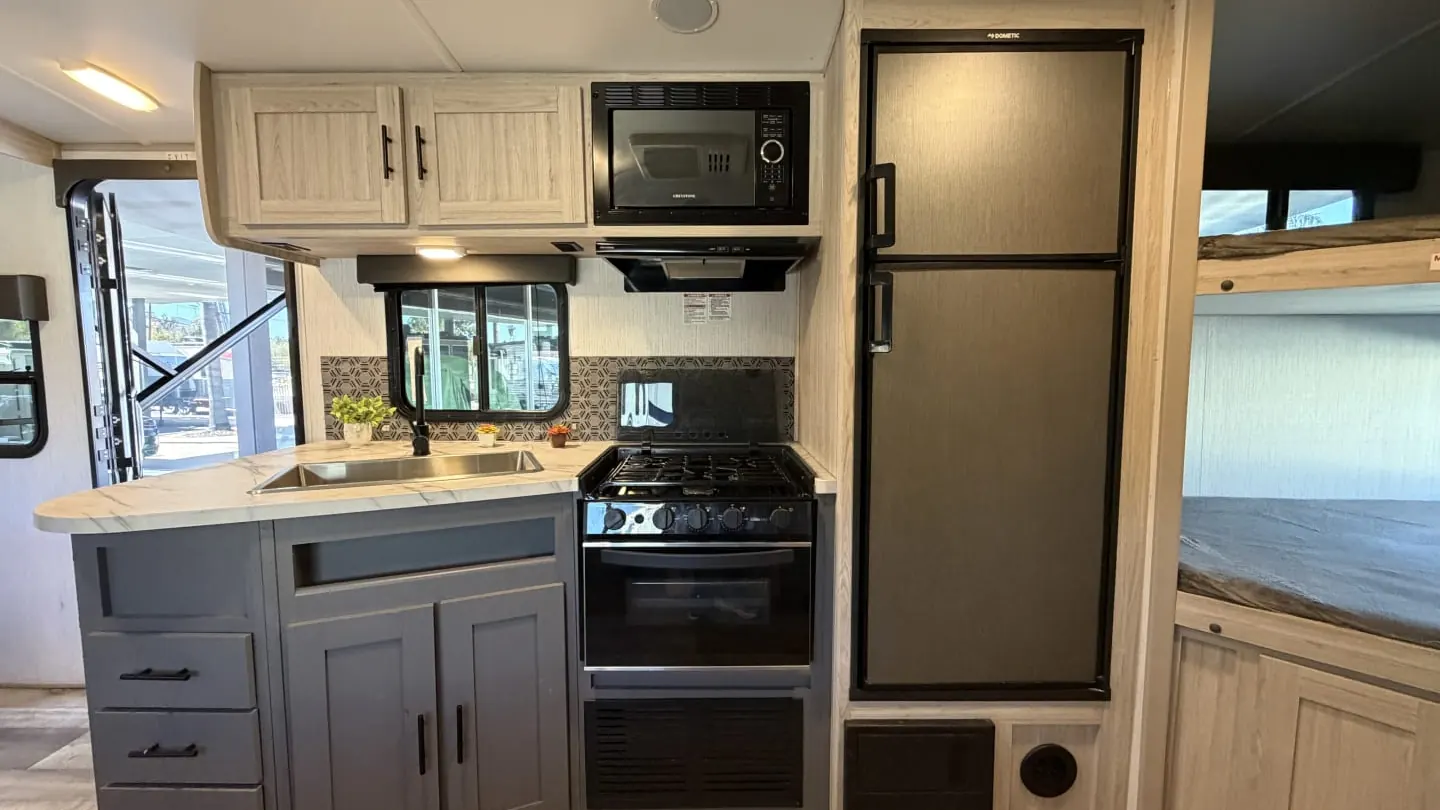
Turning Over an RV Between Renters: Cleaning and Systems Checklist
An RV turnover runs in six phases. Inspect the return first, dump the tanks, clean top to bottom, test every system, restock, then wash and sign off. Done in that order, it catches a failing pump or soft tire before the next renter finds it.
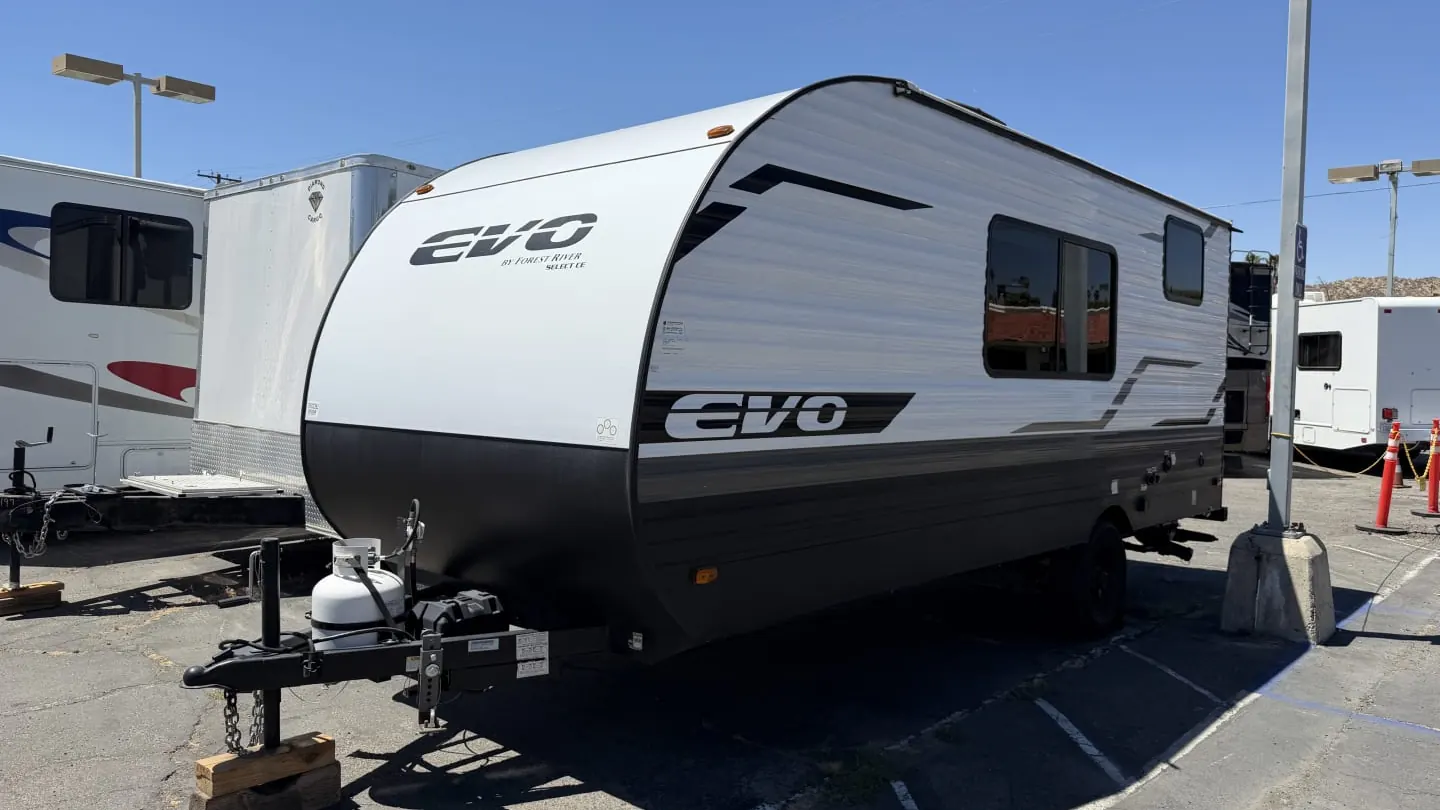
When to Add Another RV: Fleet Utilization Math
Add another RV when your own numbers say so, not because summer felt busy. Compare booked nights per unit and the demand you turned away against the break-even nights a new unit needs, and buy only when the evidence clears it comfortably.
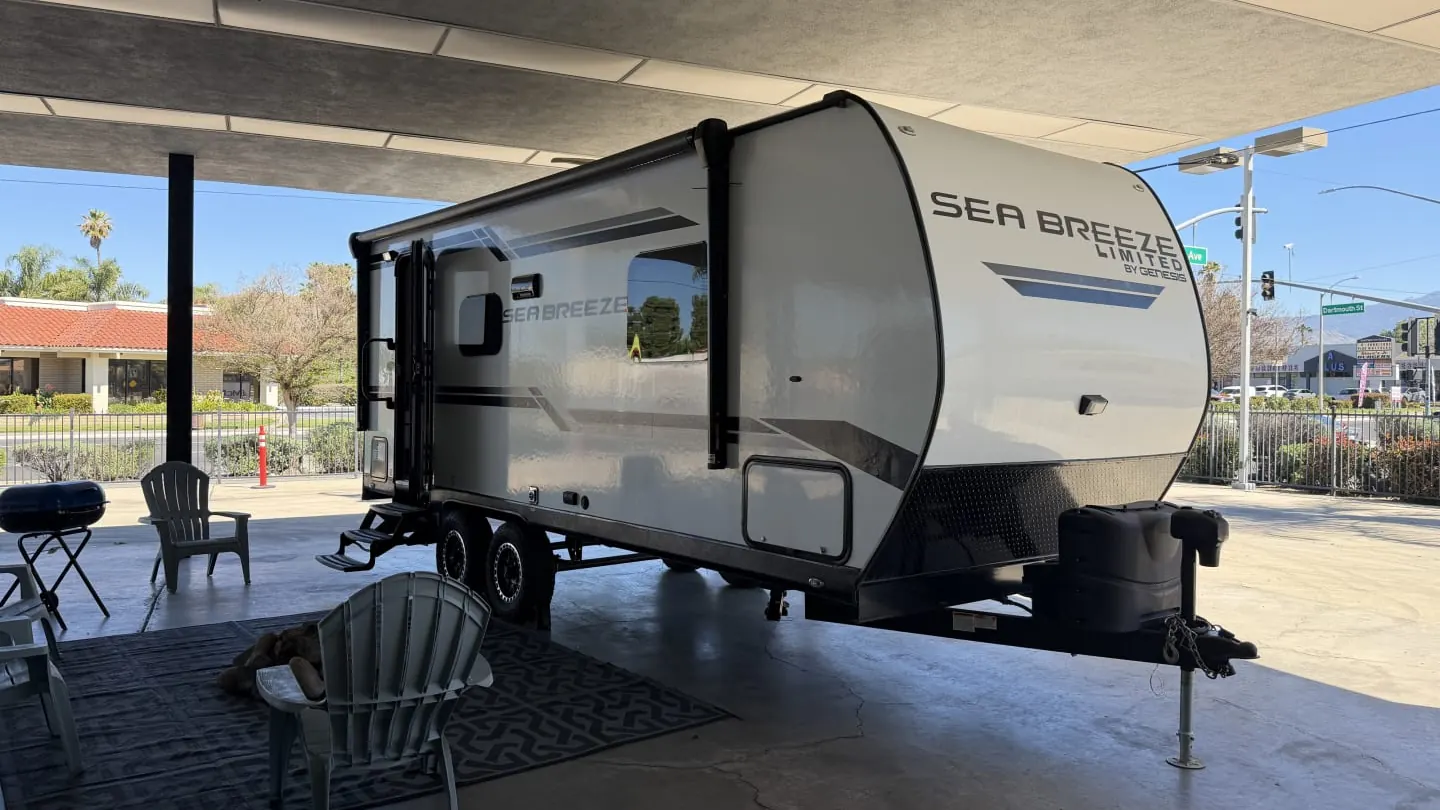
How to Price RV Rentals: Nightly Rates, Seasons, Miles and Add-Ons
Price an RV rental from your own costs, not the listing down the road. Find the nightly floor your costs set, set rates by season, then use minimum stays, fees and add-ons to shape what each unit earns.
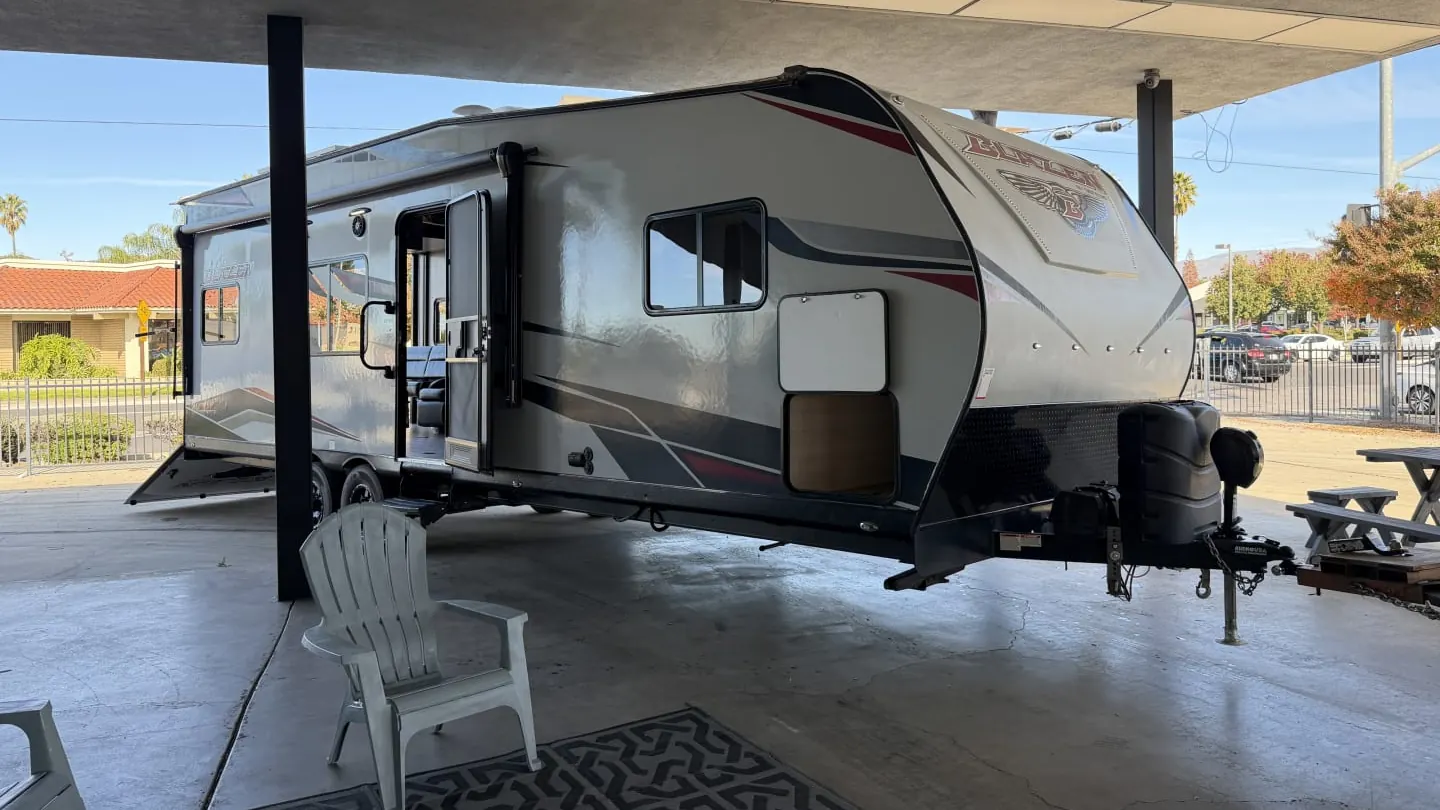
Rental Marketplaces or Direct Bookings? How to Balance Both
Use both. Marketplaces bring renters you could never reach alone, and they take a real cut for it. Direct bookings keep more of the money but take work to earn, so most healthy fleets balance the two on purpose.
Bookings and calendar questions.
Can I block time for turnovers?
Yes. Turnovers sit on the calendar between a return and the next pickup, so you never book a rig that is not ready.
Can I see the whole fleet at once?
Yes. The calendar shows every unit side by side, and the daily board sums up what goes out, what comes back and what is owed.
Do website bookings land on the same calendar?
Yes. Requests from your RV Shop Desk website land on the same board as calls and texts.
What about minimum nights and buffers?
Our guide on running the booking calendar covers how to set minimum nights, buffers and holds so the calendar works for you.