Google Business Profile for RV Rentals: Setup and Upkeep
Your Google profile is often the first thing a local renter sees, before your website or any marketplace listing. Set it up right once, with honest categories, real photos and a phone that gets answered. Then keep it working with fifteen minutes a week.
By the RV Shop Desk team · · 8 min read
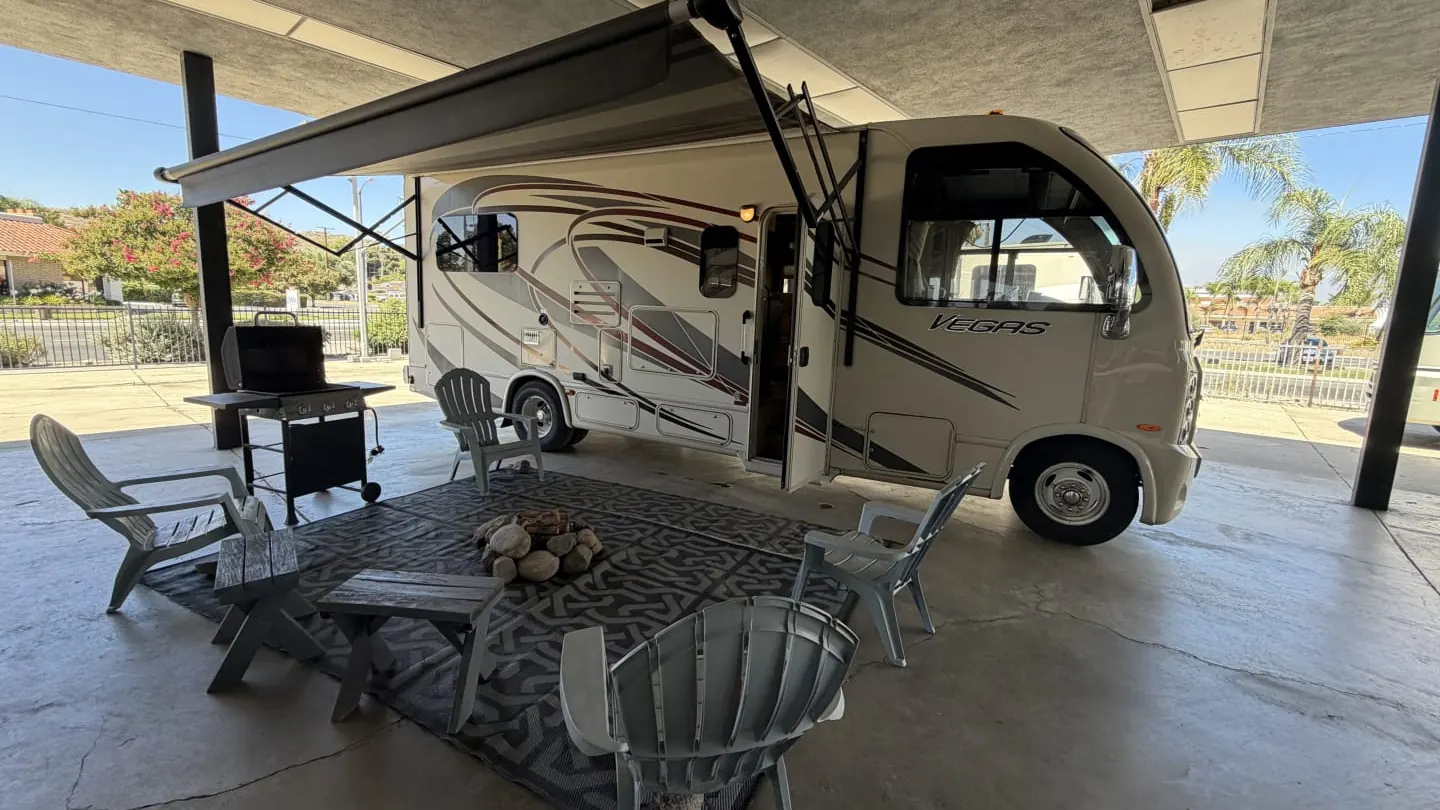
When someone types "RV rental near me" into a phone, the first results are usually not websites. They see the map pack, which is three businesses with a star rating, a photo, a phone number and a Directions button. If your fleet is not in that box, a renter who lives twenty minutes from your lot may never learn you exist. The good news is that the Google Business Profile behind that box is free. For a small rental operation, it is often the best marketing return you can get from one afternoon.
This guide covers the setup choices that matter for an RV rental business, the photos that actually get calls, and a weekly upkeep routine you can keep up in peak season. If you are still sorting out where your bookings will come from, read it alongside a marketing plan built for a small fleet.
Before you start: decide how you want to show up
An RV rental business can appear on Google in two ways, and you need to pick one before you fill in a single field.
Storefront business
If renters come to a lot, shop or office with a posted address and hours, you are a storefront. Your address shows on the map, people can get directions, and Google can show your hours and "open now" status. This is the stronger spot for local search. Only use it if someone can actually meet renters at that address during the listed hours.
Service-area business
If you run the fleet from home, keep units at a storage yard, or deliver RVs to campgrounds, you are probably a service-area business. You hide the street address and list the cities, counties or regions you serve. Do not list your home as a storefront to rank better. It invites strangers to your driveway, and listings that misstate a location can be suspended.
Many owners start as a service-area business and switch to storefront once they lease a yard. That is fine. Just update the profile the week you move, not six months later.
The setup, field by field
Most profiles fail on the basics, not on anything clever. Work through each of these with care.
- Business name. Use your real business name exactly as it appears on your signs, agreements and invoices. Do not stuff it with keywords like "Cheap RV Rentals Best Motorhomes." That can get the listing suspended, and it looks desperate to renters.
- Primary category. Choose the most specific category for what you do most, such as RV rental agency. The primary category carries the most weight for which searches you show up in.
- Secondary categories. Add only services you actually sell. If you also do mobile repair or run a small shop, a repair category makes sense. If you store customer RVs, add a storage category. Each extra category should be something a renter could call you about today.
- Phone number. Use a number that gets answered or texted back fast. That call is the whole point of the profile. If you cannot always pick up, read what missed calls cost and how to text back automatically before you publish the number.
- Website link. Point it at a page where people can check dates and book, not a social media page. Our guide on what an RV rental website needs to take bookings covers what that page should have.
- Hours. List the hours someone can reach you or pick up. Add special hours for holidays. Wrong hours are one of the fastest ways to earn a one-star review from someone who drove over.
- Service area. For a service-area business, list the real towns and regions you deliver to or where most renters come from. Keep it honest and fairly tight instead of naming half the state.
- Description. Write a plain paragraph. Say what units you rent (for example, "three Class C motorhomes and two travel trailers"), who they suit, whether you deliver, the general pickup location and what is included. Skip superlatives.
Then verify. Google will ask you to prove the business is real, often by video or a mailed code. Have your signs, a unit, business paperwork and your pickup area ready to show. Verification can take several days, so do not start the week before Memorial Day.
Products and services: treat each unit like a listing
Rental operators underuse the products and services section. It is a good place to answer the questions that would otherwise become phone calls. Add each unit or unit type as its own entry with the following.
- A clear name renters understand, such as "25-foot Class C, sleeps 6" instead of an internal nickname.
- A starting price if you are comfortable showing one. For example, "from $189 a night, 3-night minimum." Keep it in line with how you set nightly rates, seasons and add-ons so nobody is surprised at checkout.
- Two or three lines on what is included, such as generator hours, mileage, kitchen kit, linens and pet policy.
- A link to that unit's booking page.
Add services too, such as delivery and setup, one-way pickup, dump and fill, and repair if you offer it. Each one is another way to match a search.
Photos that earn calls
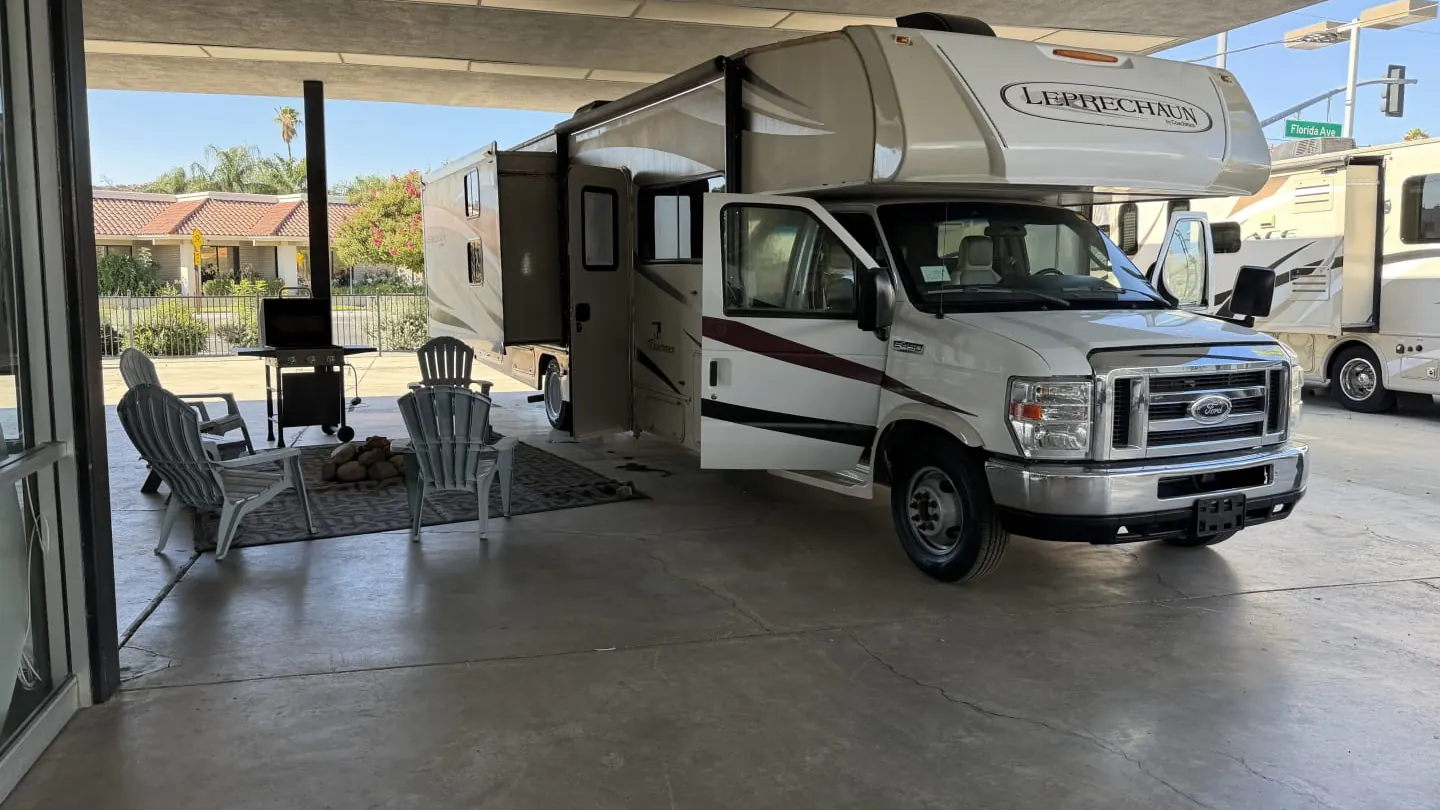
RV renters are buying a picture of a trip. Your profile photos should let them imagine the weekend. Use real phone photos taken in good daylight. Skip stock images and catalog shots of a model year you do not own.
| Photo type | What to shoot | How many to start |
|---|---|---|
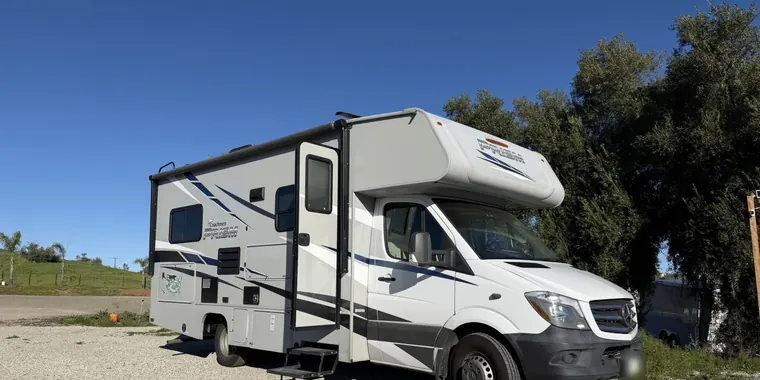
| Exterior, each unit | Three-quarter angle, awning out, clean site, plate turned away or not readable | 1 to 2 per unit |
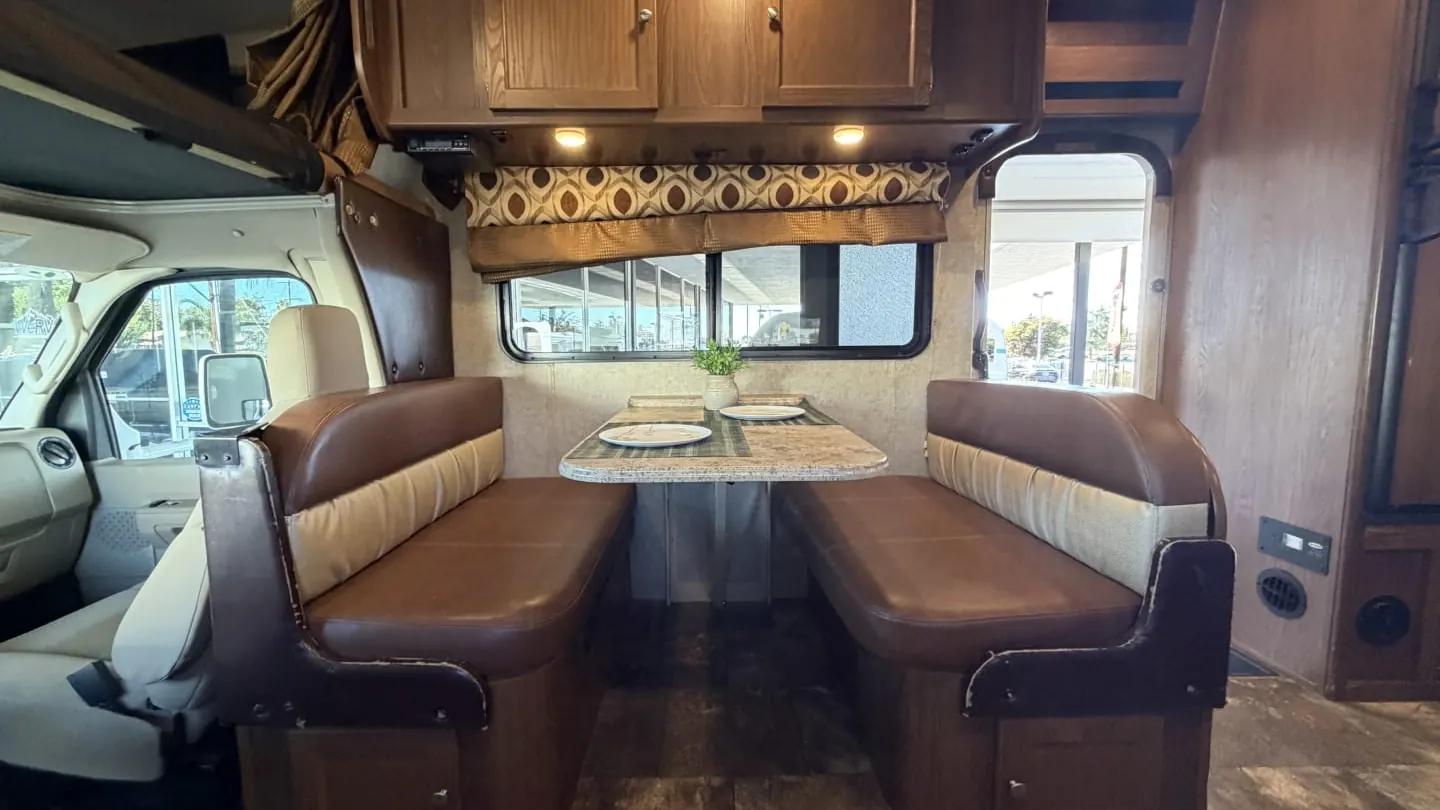
| Interior living area | Slides out, lights on, table set simply | 1 to 2 per unit |
| Beds | Made with the linens renters actually get | 1 per unit |
| Kitchen and bath | Clean counters, doors closed, good light | 1 each per unit |
| Pickup location | Your lot, office door or storage gate so people recognize it | 2 to 3 |
| You and your crew | Doing an orientation or a walk-around | 1 to 2 |
After that, add a few new photos every month. Shoot units at campgrounds you deliver to, a fresh turnover or a new unit arriving. Anything that shows the business is alive works. The photos from your turnover and cleaning process are a good source, as long as the unit looks ready and no renter belongings show.
Tip: Never post a photo that shows a renter's face, their kids or their license plate without written permission. Shoot your own units on your own lot instead.
Reviews: the part that moves the needle
Star rating and review count are what most renters look at first in the map pack. A profile with a handful of recent, detailed reviews tends to get more calls than a prettier profile with none. This comes in two parts, getting reviews and answering them.
Getting them
The only method that works reliably is asking every renter, every trip, at the right moment, with a direct link. We cover the timing, wording and follow-up in detail in how to get a review after every RV trip. In short, ask in person at return when the trip went well. Then text the review link within a few hours.
Do not offer discounts or deposit refunds for reviews, and do not ask only happy renters while quietly skipping the rest. Review platforms ban incentivized and selectively requested reviews, and breaking that rule can cost you the reviews you have.
Answering them
Reply to every review. Keep replies to good reviews short and specific. Thank the renter by first name, mention something real about their trip and invite them back. For a bad one, stay calm and factual. Admit the problem, say what you changed and offer to keep talking by phone. Never argue about a damage charge in public. Future renters read your reply more closely than the complaint. If deposit disputes keep showing up in reviews, look at how you handle deposits and damage claims before you look at your marketing.
Posts, questions and messages
Google lets you publish short posts on the profile. On their own they do not move rankings much. But they show renters the business is active, and they give you a place for timely news. Good post ideas for a rental fleet include these.
- An open date window: "Our 30-foot Class C just opened up for the second week of July."
- A seasonal reminder: fall foliage trips, spring break, winter storage for owners if you offer it.
- A new unit arriving, with real photos.
- A short practical tip, like how to prep for a first RV trip.
The questions section is public, and anyone can answer, including strangers. Check it and answer the common questions yourself, such as minimum rental age, pets, delivery range and what license is needed. Keep answers general and point to your rental terms for specifics. Licensing and age rules can vary by state and by your insurance, so match what your agent and your rental agreement actually say.
If you turn on messaging, answer fast or turn it off. An unanswered message is worse than no messaging at all.
A 15-minute weekly upkeep routine
This routine survives peak season. Put it on the calendar in the same slot every week, such as Monday morning.
- Reviews (5 minutes). Reply to any new reviews. Note any complaint that points to a process problem.
- Questions and messages (2 minutes). Answer anything new. Flag spam.
- One post (3 minutes). Open dates, a new photo or a seasonal note.
- Photos (3 minutes). Upload two or three from the past week's turnovers or deliveries.
- Accuracy check (2 minutes). Hours, holiday hours, phone, website link, and any unit you sold or added.
Once a month, check the profile's performance numbers for calls, website clicks and direction requests. You want the trend, not precision. If calls dropped while the season is steady, check whether your hours or phone number got changed. Also check whether a recent bad review is sitting unanswered at the top.
Common mistakes that cost rental businesses
- Letting someone else "manage" it without giving you access. Always own the profile yourself and add others as managers. If a marketing contractor owns it and leaves, you can lose it.
- Duplicate listings. Old listings from a past address or name split your reviews. Find them and merge or remove them.
- Edits you did not make. The public can suggest edits, and Google sometimes accepts them. Check your hours, phone and category often.
- Linking to a marketplace listing. Your profile should send renters to your own booking page. Our guide on balancing marketplaces and direct bookings explains why those direct bookings are worth protecting.
- Stale photos. A unit you sold two years ago still showing up makes for a bad first conversation.
Making the profile part of how you book
A Google profile works best when it ties into the rest of your operation. That means a phone that gets answered or texted back, a website where renters can see open dates, and a review request after every return. If you would rather not manage the pieces yourself, RV Shop Desk's website and marketing plan includes a managed Google profile, a hosted website and review requests after each trip, and it comes with the rental software.
However you run it, treat the profile like a unit in your fleet. Set it up properly once, then give it a little maintenance every week. Pair it with a steady review habit and a simple marketing plan, and it will quietly send you local renters every season.
Questions owners ask
Can I get a Google Business Profile if I rent RVs from my home?
Usually yes, as a service-area business. You hide your home address and list the cities or regions you serve instead. You still need to verify that you are a real, operating business.
What category should an RV rental business choose on Google?
Pick the most specific primary category for what you do most, such as RV rental agency. Then add secondary categories only for services you really offer, like RV repair shop or RV storage facility.
How often should I post on my Google Business Profile?
Once a week is a realistic target for a small fleet. A short post with a real photo of a unit, an open date window or a seasonal reminder is enough to show the profile is active.
Should I respond to every Google review?
Yes. Reply to every review, good or bad, within a few days. Short, specific replies to good reviews and calm, factual replies to bad ones help future renters trust you.