What an RV Rental Website Needs to Take Bookings
An RV rental website has one job. It gets a stranger from "that looks nice" to a paid, dated booking without a phone call. That takes unit pages with real prices, a live calendar, online payment and a signed agreement.
By the RV Shop Desk team · · 7 min read
Most small RV rental websites are brochures. They have a nice header photo, a paragraph about the owner's love of the open road, a gallery and a contact form. Then the owner wonders why the site brings in so few bookings. A renter planning a trip wants three answers before they commit. Is it free on my dates? What will it cost all-in? How do I lock it in? If the site cannot answer all three without a phone call, most visitors leave and check the next result.
This guide is about the other kind of site, the one that takes a booking at 11 p.m. on a Sunday while you sleep. It assumes you run anywhere from one to fifty units. It also assumes you want direct bookings to sit beside, or someday replace, some of your marketplace volume. For the bigger picture on that balance, see how to weigh rental marketplaces against direct bookings.
Start from the renter's path, not the page list
Before you plan pages, walk through what a renter does. Someone finds you on Google, from your Google Business Profile, a referral or a social post. They land on your home page or a unit page. They pick a unit, check dates, see the price, decide, pay a deposit and sign. Then they wait for pickup.
Every step where they have to stop and ask you something is a step where some of them quit. So ask one question of every page. What does it need to answer so the renter can take the next step without you?
The pages you actually need
Home page
The home page is a hallway that sorts people, not a story. Within one phone screen it should say what you rent and where, and show a way into the fleet. Make the headline specific, such as "Class C motorhomes and travel trailers for rent, pickup or delivery around the lake region." Below that, show your units as cards with a photo, sleeping capacity, a starting price and a button. Put your star rating or a few real review excerpts lower down, and your phone number in the header on every page.
One page per unit
This is where bookings happen, so it gets the most work. Each unit page needs the following.
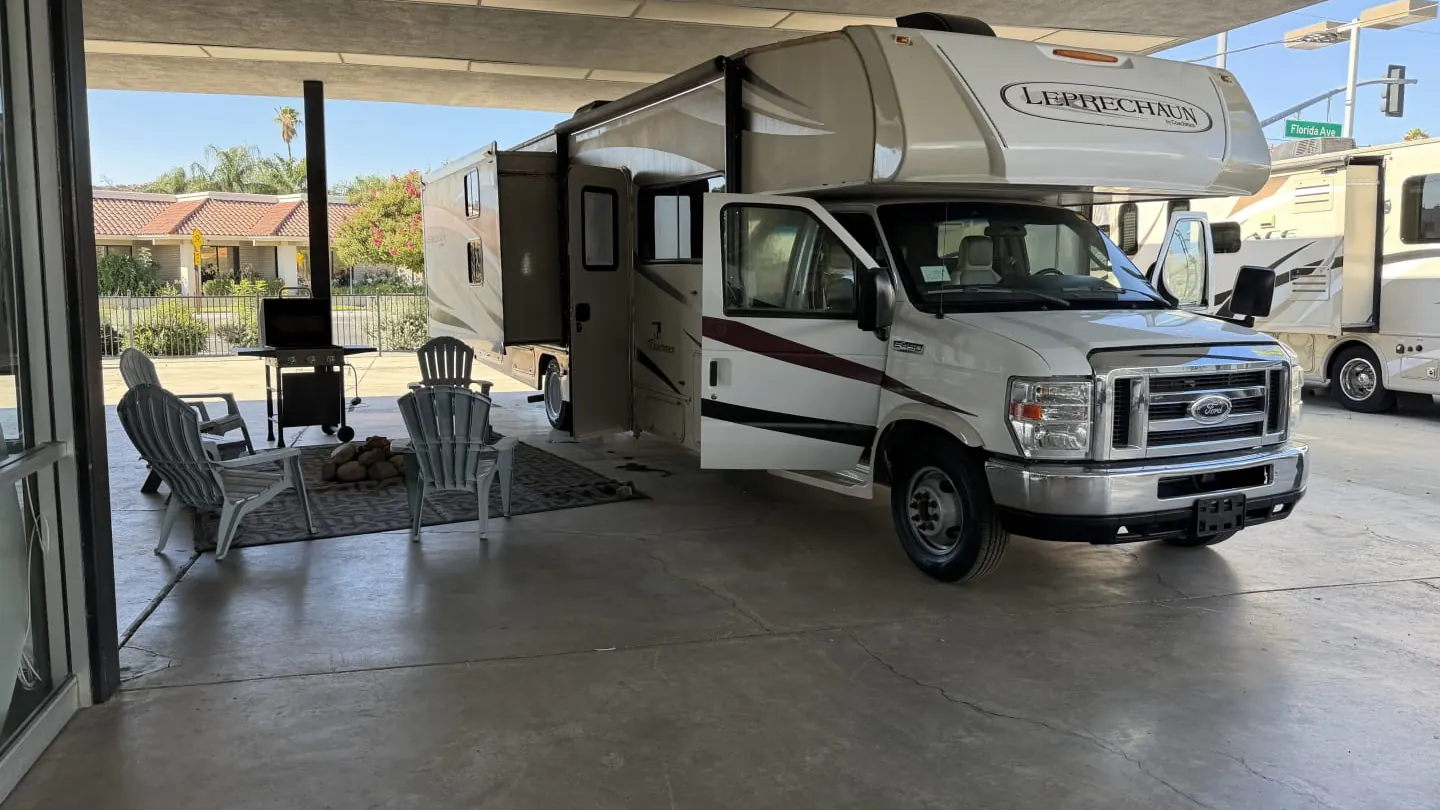
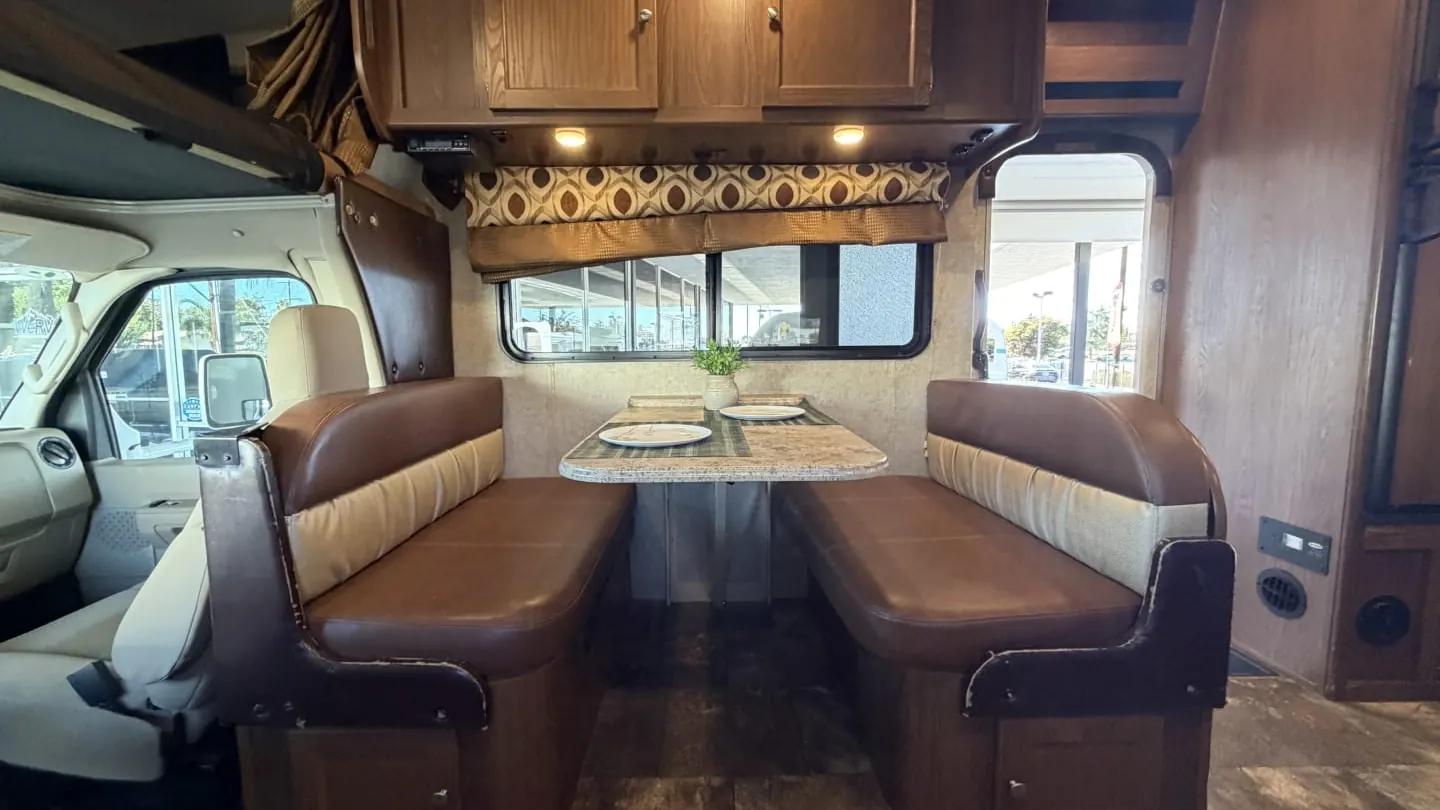
- Real photos, lots of them. Exterior, every room, beds made, kitchen, bath, storage bays, the hookups. Twelve to twenty is reasonable. Shoot them yourself in daylight right after a turnover.
- The specs renters filter on. Length, sleeps, beds and sizes, tow or drive, what vehicle is needed to tow (if a trailer), generator, fresh and gray tank sizes, pet policy, smoking policy.
- What is included and what costs extra. Kitchen kit, linens, mileage allowance, generator hours, propane, dump fees, delivery. Put this in a short list, not a paragraph.
- Price. Nightly rate, seasonal ranges, minimum nights, cleaning or prep fee, and the security deposit. Your numbers should match your pricing strategy for seasons, miles and add-ons.
- A live availability calendar. Not "contact us for availability." A calendar that shows blocked dates, pulled from the same calendar you run the fleet on.
- A book button that starts checkout with the dates they picked.
Rental terms and FAQ
Build one page that answers the questions you hear every week. Cover minimum age, license rules, the deposit amount and when it comes back, and your cancellation policy. Add pet rules, what happens if something breaks on the road, mileage overages and return condition. Write it in plain language and make sure it matches your actual rental agreement. Any gap between the website and the agreement turns into an argument later. Age, license and insurance rules can vary by state and by your policy, so confirm the wording with your insurance agent and attorney.
Delivery and pickup
If you deliver, show the delivery zones and the fee for each. For example, you might charge a flat fee within 25 miles and a per-mile rate beyond it. List the campgrounds you deliver to most often. If renters pick up, give the general area and the pickup and return windows. The exact address can go in the confirmation.
Contact
List phone, text, email and hours. Keep the form short, with name, phone, dates, unit and message. And make sure someone answers. A contact form that sits for two days loses the booking.
The booking flow: where most sites break
Plenty of sites have decent unit pages and then fall apart at the moment of commitment. Here is what a booking flow needs to do, in order.
- Confirm dates and show a full quote. Nights times rate, seasonal adjustments, fees, taxes where they apply, delivery, add-ons, deposit. No surprises later. If you are unsure what taxes apply to rentals in your area, ask your accountant, because rules vary by state and sometimes by county.
- Collect renter details. Name, phone, email, driver's license info, number of travelers, pets. Ask only for what you actually use.
- Take a payment. A deposit or full payment by card at booking. A booking without money is a hold, and holds evaporate. Pick your rule, for example "25 percent at booking, balance 14 days before pickup," and stick to it.
- Get the agreement signed. Renters can sign on their phone before pickup. That saves time at the counter and gets the terms in front of them early.
- Send a confirmation right away with dates, unit, pickup time window, what to bring, and how to reach you.
- Block the calendar. The dates should come off the site instantly, with your turnover buffer on either side. Our guide to running the booking calendar with buffers, minimum nights and holds covers how to set those rules.
If your site cannot do steps 3 through 6 on its own, you are running a request form, not a booking site. That can work at two units. At ten, the back-and-forth eats your evenings.
Tip: Test your own booking flow on your phone every month, start to finish, with a real card and a date far in the future. Then cancel it. You will find broken steps before a renter does.
Mobile first, because that is where renters are
Many renters browse on a phone, often from the couch or on a lunch break. Check these on your own phone.
- The phone number is tappable and the book button is visible without scrolling far.
- Photos load quickly. Huge uncompressed images from your camera will make the page crawl on a weak signal.
- The calendar is usable with a thumb.
- Checkout does not require zooming or typing into tiny fields.
- The agreement is readable and signable on a small screen.
Content that helps you get found
A booking site needs some written content to show up in local search beyond your brand name. You do not need a blog with hundreds of posts. A handful of useful pages goes a long way.
- A page for each area you serve, with nearby campgrounds and what kind of unit suits them.
- A first-timer page: what to expect at pickup, how long orientation takes, what to pack. This pairs well with a thorough renter orientation and cuts down on nervous calls.
- Seasonal trip ideas that match your busy weekends.
Write these in your own voice about places you know. Generic "top ten road trips" content does little for a local rental business.
Trust signals renters look for
A renter is handing a stranger a large deposit and trusting them with a family vacation. Give them reasons to believe you are real.
- Recent reviews shown on the site, ideally with a link to your Google profile. Our guide on getting a review after every trip keeps that supply fresh.
- Photos of you, your lot, and your crew doing a walk-around.
- A clear explanation of how the deposit works and how damage is documented, for example that you take timestamped photos at pickup and return. See the pickup and return walk-around checklist for how to run that.
- A secure checkout and a clear cancellation policy.
What you can leave off
Plenty of things take time to build and do little for bookings. Skip these, or at least put them off.
- Long "our story" pages. One paragraph and a photo is enough.
- Autoplay video headers that slow the page down.
- Popups asking for an email address before someone has seen a unit.
- Chat widgets nobody monitors.
- Separate pages for every minor add-on.
Measuring whether the site works
Track a few numbers each month. Watch visits, unit page views, bookings started, bookings completed, and the share of all your bookings that came direct. You do not need exact benchmarks. You need to see changes. If people start bookings and do not finish, the cause is usually a surprise in the quote, a clunky payment step or a forced account signup. If unit pages get views but nobody starts a booking, look at the calendar, prices and photos.
Also watch the phone. A site that works tends to cut the "is it free and how much" calls and bring more "I just booked, quick question" calls. If you still miss calls from the site, set up an automatic text back. What missed calls cost and how to text back explains why that matters.
Getting a booking site without building it yourself
You can piece all of this together from separate tools. That means a website builder, a calendar, a payment processor and an e-signature service. The hard part is keeping them in sync so the calendar on the site is always the real calendar. RV Shop Desk's website and marketing plan builds and hosts the site as part of the plan. The rental software behind it handles bookings, the calendar, agreements signed on the renter's phone, and card payments in one place.
Where the site fits in your marketing
A website that books is the landing spot for everything else you do. Your Google profile, referrals and social posts should all point to it, and the reviews it earns feed back into them. If you are laying out the whole system, start with the small-fleet marketing plan. Then make sure your Google profile sends people straight to your unit pages.
Questions owners ask
Does a small RV rental business need its own website if it lists on marketplaces?
It helps. Your own site is where repeat renters, referrals and people who find you on Google can book direct. That usually means you keep more of each booking and own the customer relationship.
Should I show prices on my RV rental website?
Yes. Show a starting nightly rate, minimum nights and the main fees on each unit page. Hidden prices bring calls from people who would not have booked anyway, and they lose people who will not call.
Can renters sign an RV rental agreement online?
Yes. Many operators have renters sign the agreement electronically before pickup. Have your attorney review the agreement and confirm that electronic signatures meet the rules in your state.
What is the most important page on an RV rental website?
The unit page. It needs real photos, specs, what is included, the price, a live availability calendar and a button that starts a booking.