How to Choose RV Rental Software and a CRM
Good RV rental software runs the whole trip, from booking to signed agreement, deposit, walk-around photos, turnover and final payment. A CRM adds one record per renter so leads get answered and past renters come back. Test both with a real booking before you pay.
By the RV Shop Desk team · · 6 min read
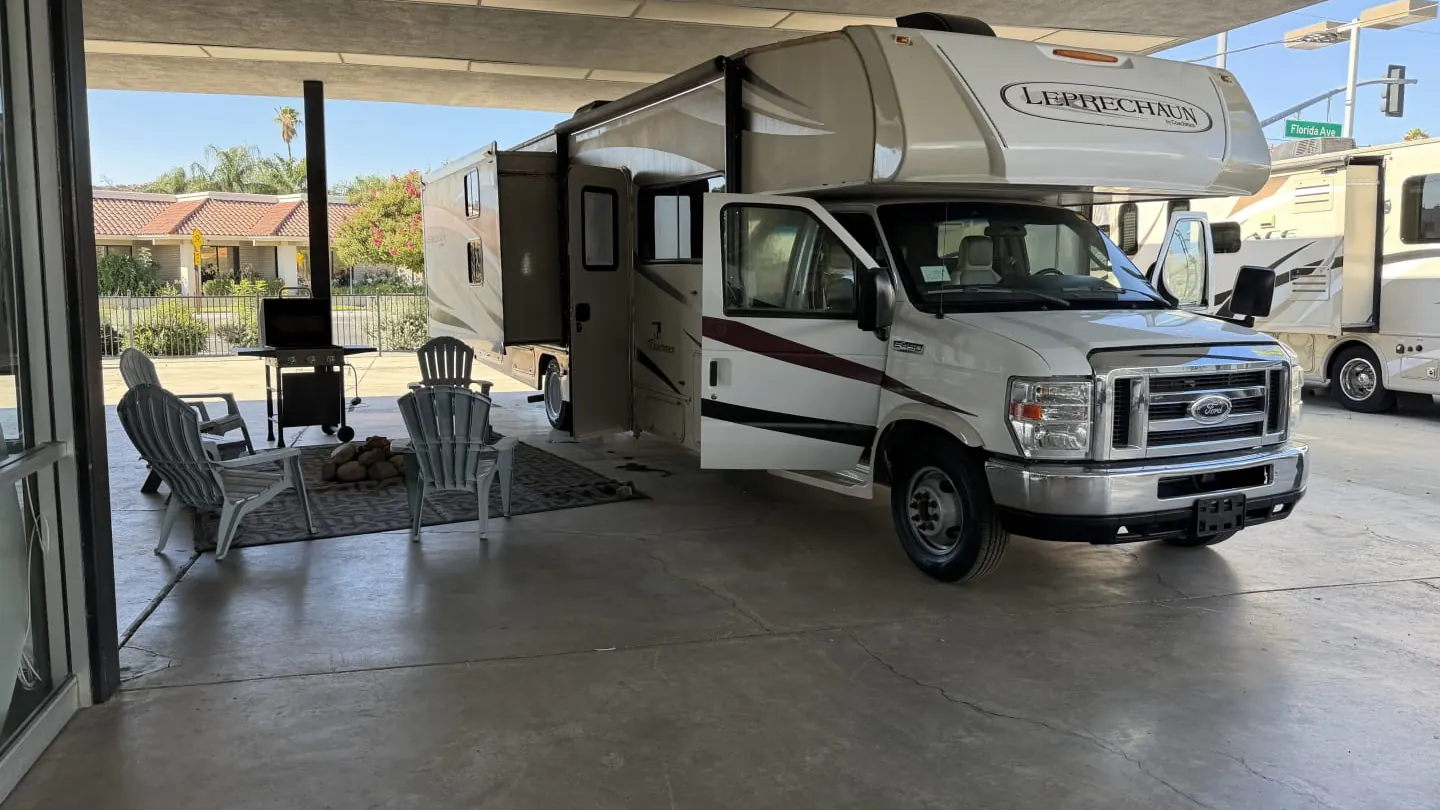
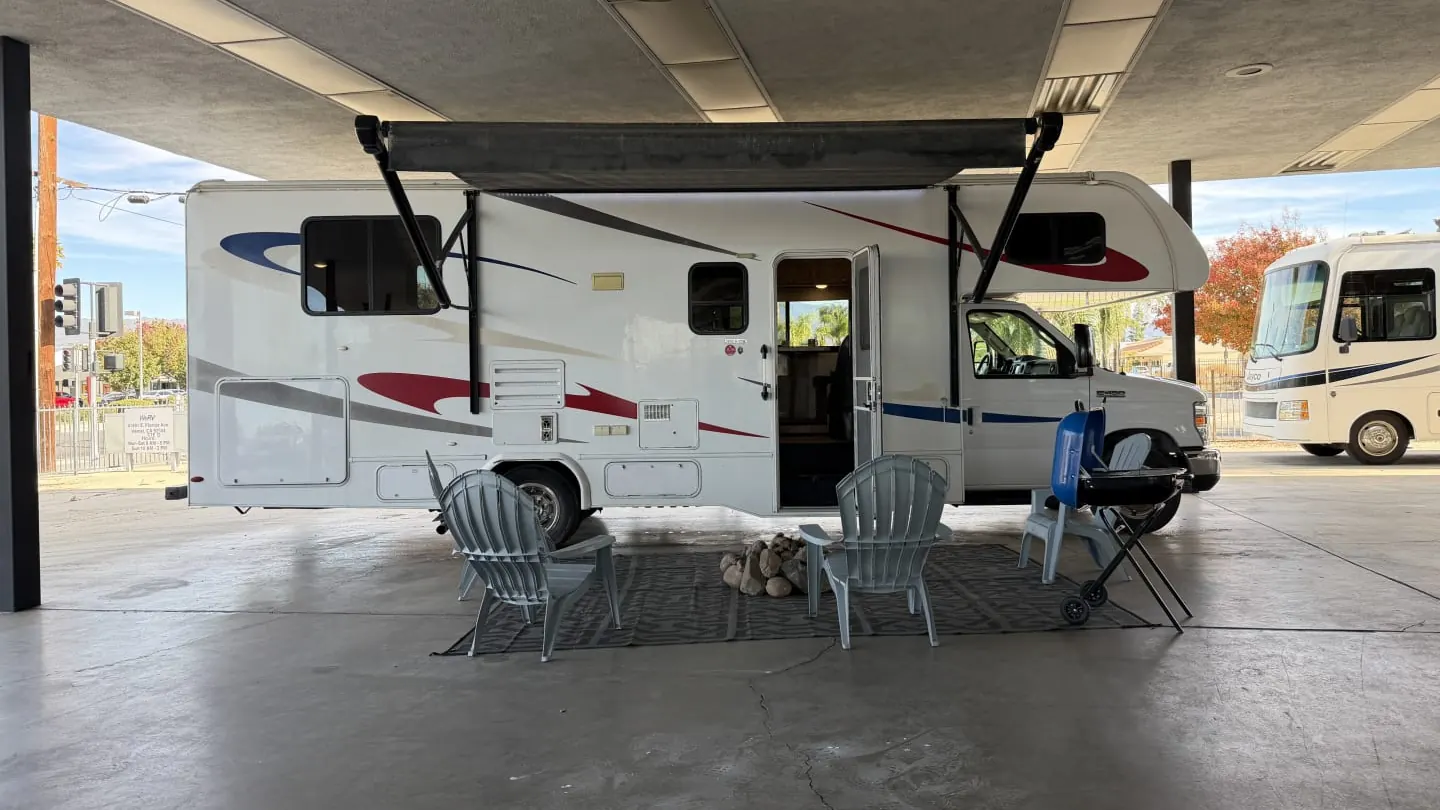 Real rental fleet photo
In this guide
The right RV rental software runs every step of a trip in one place, and a CRM keeps every renter and lead in one record. Pick the system that does both well for a fleet your size, and prove it with a real booking during the free trial.
Most owners start with a notebook, a spreadsheet and a marketplace calendar. That works until a holiday weekend gets booked twice. This guide covers what the software has to do, what a CRM adds, how to test before you buy, and how to read the pricing. It does not rank or name any product. It gives you the questions that sort them out.
What RV Rental Software Has to Do
Start with the trip itself. If a system cannot run these steps, nothing else it does will make up for it.
- Fleet calendar with buffers: one calendar for every unit, with turnover time blocked between trips so you cannot book a pickup on top of a cleaning. See running the booking calendar with buffers and holds.
- Online booking: renters see open dates and real prices, then book or request dates without calling you. It should work on your own site, not only on a page the vendor hosts. See what an RV rental website needs to take bookings.
- Agreements signed on a phone: your own agreement, sent as a link, signed without a printer, with the time of signing saved. The rental agreement checklist covers what it should say.
- Deposits and card payments: the deposit, the balance and any extra charges taken by card and tied to the trip.
- Walk-around photos: dated photos at pickup and return, stored with the trip. They are your best answer to a damage question. See handling deposits and damage claims.
- Turnovers: the clean and systems check scheduled before the next pickup, with a checklist your helper can follow.
- Maintenance: service history per unit, so you know which rig is due and which one keeps costing you. Pair it with a preventive maintenance schedule so repairs happen in the off weeks, not mid-trip.
Look for one record per rig. Every booking, photo, repair and invoice for a unit should be in one place. That is also how you find out which units make money.
What a CRM Adds for a Rental Business
A CRM is a system for tracking customers. Rental software tracks the units. A CRM tracks the people. For a rental business, that matters more than it sounds.
- One record per renter: every trip, text, payment, signed agreement and review for that person on one screen.
- Repeat renter follow-up: a family that rented last July is your easiest booking next spring. A CRM helps you reach them before they search again.
- Lead tracking: calls, texts and web forms land in one list, so no inquiry sits unanswered in a phone you forgot to check.
- Missed-call text back: when you cannot pick up, the caller gets a text right away. Renters shopping on a Saturday call the next owner on the list. See what missed calls cost a rental business.
- Review requests: a request after every trip, sent while the trip is fresh. Read how to get a review after every trip.
One System or Two?
You can buy rental software and a separate CRM. Plenty of businesses do. The problem is the gap between them. A renter books in one system and texts you in another. The deposit is in one place and the review request is in the other. Someone has to copy data back and forth, and that someone is usually you.
For a small or mid-size fleet, one system that does both is simpler. If you do use two, ask exactly what moves between them, how often, and what happens when it fails.
Test the Free Trial With a Real Booking
A demo shows you the best path through the software. A trial shows you your own. Run one real booking from start to finish, using a friend or family member as the renter.
- Add one real unit with its photos, rates, minimum stay and turnover buffer.
- Upload your own rental agreement. Check that it reads the way you wrote it.
- Book the trip from your own website or booking page, on a phone.
- Have your renter sign the agreement and pay the deposit from their phone. Time it. Ask them where they got stuck.
- Try to book the same unit over the same dates. The system should stop you.
- Do the pickup walk-around photos on your phone, outside, with poor signal if you can.
- Do the return photos and add a damage charge. See how the renter is billed.
- Schedule the turnover and walk through the turnover checklist.
- Call your business number and let it ring out. See if the missed-call text goes out.
- Close the trip and find it again a week later. Can you see everything in one place?
If you get stuck on any step, ask support during the trial. How fast and how well they answer tells you what support will be like in July.
Tip: Run the trial test on your phone, not a desk computer. Pickups, returns and most renter texts happen in a parking lot, not at a desk.
Questions to Ask Any Vendor
- Is it built for RV rentals, or for rentals in general? How does it handle generator hours, mileage and delivery?
- Can I use my own rental agreement, word for word?
- What does the renter see? Do they need an app or a password?
- Where does the money go, and how soon does it reach my bank?
- Are texts included, or billed by use? What does a busy month cost?
- Can it take bookings on my own website, not just on a page you host?
- Can I export all my renters, bookings and photos if I leave?
- Who sets it up, and how long does that take?
- What happens to my data and my booking page if I stop paying?
- What is the full monthly cost for my fleet today, and at twice the size?
Pricing Models, Pros and Cons
Rental software is usually priced one of three ways. None is always best. The right one depends on your fleet size and how many trips each unit takes.
| Pricing model | How it charges | Good when | Watch for |
|---|---|---|---|
| Per unit | A flat monthly fee for each RV | Your units book often, since the cost does not rise with trips | Paying for units that sit all winter |
| Per booking | A fee for each trip | You are small or seasonal and want cost to follow trips | Short trips, where the fee eats more of each night |
| Percent of revenue | A share of each rental's total | You want no fixed bill while you test the business | Cost that grows every time you raise rates or add units |
Run your own numbers. Take last season's booked nights, trips and revenue, and price each model against them. A percent-of-revenue fee that looks small can cost far more than a flat fee once a unit books well. The guide on whether an RV rental business is profitable shows how fees change what each unit keeps.
Red Flags
- No way to try it with a real booking: if you can only see a demo, you are buying the demo.
- Your data is hard to get out: if export is vague, leaving will be painful.
- Setup fees with no clear scope: ask what the fee covers and when it is done.
- Renters must download an app: many will not, and your signed agreement waits.
- Prices that are not written down: if the full cost is only given on a call, ask for it in writing.
- Features promised for later: buy what the software does today.
- Long contracts before a trial: a vendor sure of its product will let you test it first.
Where RV Shop Desk Fits
We built RV Shop Desk for RV rental fleets, so here is the plain version. It keeps bookings and the fleet calendar, agreements renters sign on their phone with the deposit taken by card, and dated walk-around photos at pickup and return. It also runs turnovers, invoices and card payments. The CRM side gives you one record per renter and per rig, two-way texting from your business number, missed-call text back and a review request after every trip. Texts are billed by use.
It costs $9 per rental unit a month with a five-unit minimum, and packages start at $45 a month. The bill never goes over $499 a month, and the first 30 days are free. If you run fewer than five units, email [email protected]. See the RV rental software page for the trip side and the RV rental CRM page for the renter side. Then run the same real-booking test on it that you would run on anything else.
Questions owners ask
Do I need rental software if I only have one or two RVs?
Not always. A small owner can get by with a calendar and paper for a while. Once you double-book a weekend, lose a signed agreement or chase a deposit by text, the software starts paying for itself.
What is the difference between rental software and a CRM?
Rental software tracks the units and the trips. A CRM tracks the people, from the first call through every trip, text, payment and review. For a rental business, the best setup keeps both in one place.
How long should a free trial be for RV rental software?
Long enough to run at least one real booking from start to finish. A week can work if you set it up fast. A month gives you time to test a pickup, a return and a turnover.
Can I move my bookings from a spreadsheet into new software?
Ask the vendor before you sign. Many can import renters and future bookings from a spreadsheet file. Move future trips first, then check every date against your old calendar.
Will renters need to download an app?
They should not have to. Renters are more likely to sign and pay when they can do it from a link on their phone. Ask any vendor to show you exactly what the renter sees.